
After Effects Scripts and Tools to speed up your workflow
Explore our curated collection of After Effects scripts designed to automate repetitive tasks, improve timing and consistency, and help motion designers ship faster. Find free scripts and premium tools that upgrade your AE workflow without heavy plugins.
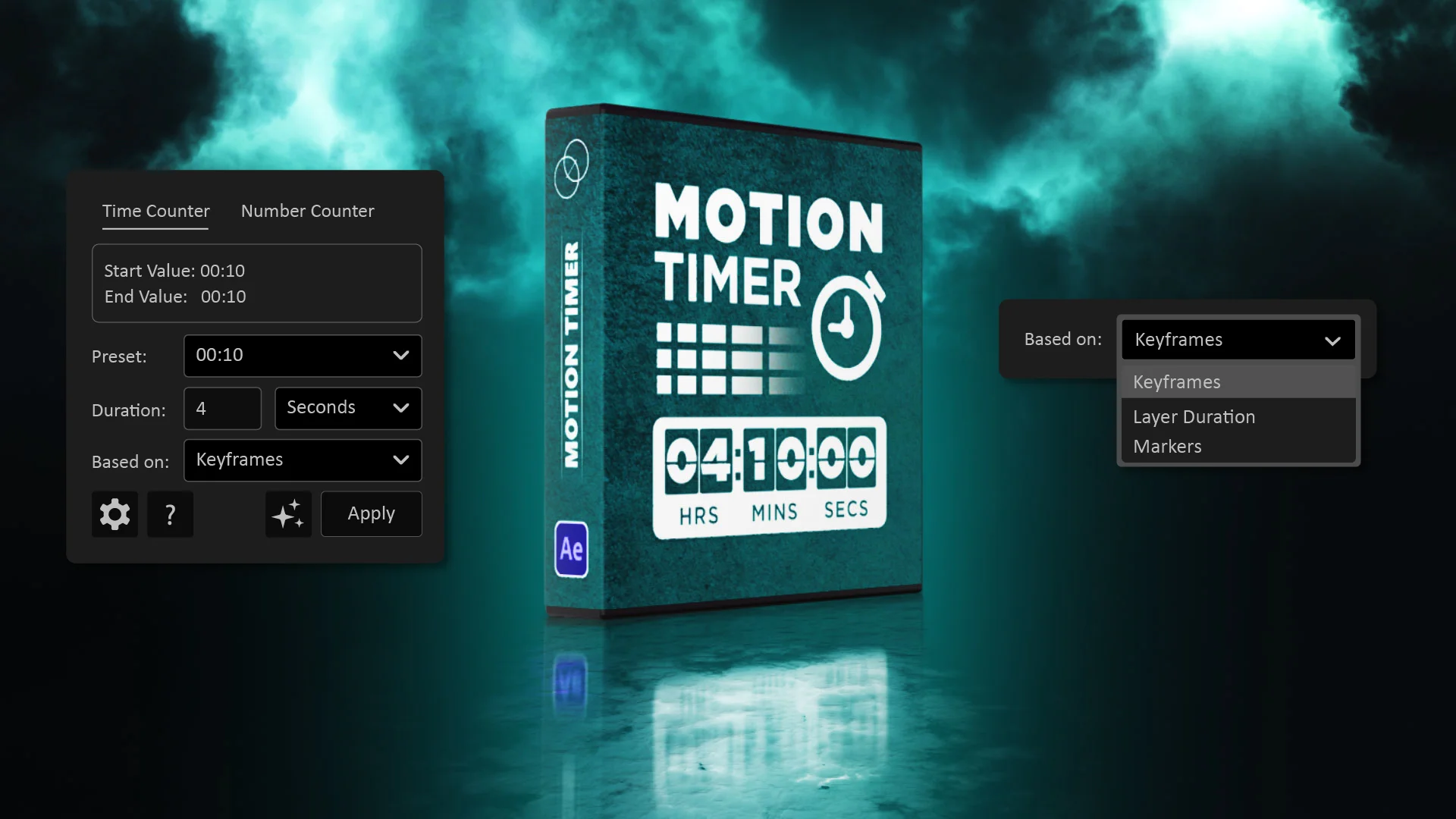
MotionTimer
Included with Motion Access
MotionTimer is an After Effects tool for creating customizable timers, countdowns, and animated counters. Control the format and animation directly inside After Effects.
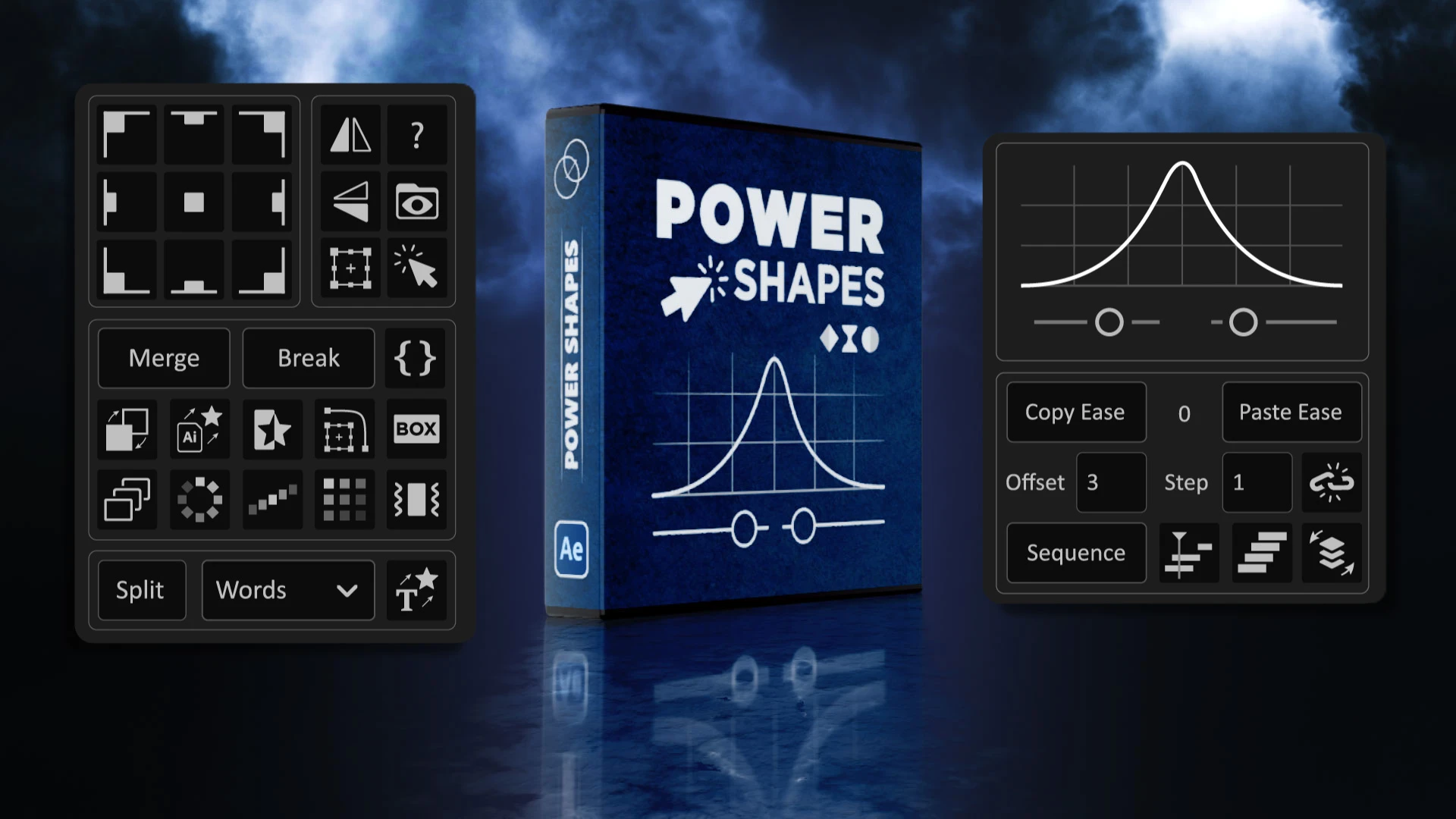
Power Shapes
Power Shapes is a time saving After Effects ScriptUI panel that speeds up shape layer work and everyday motion graphics tasks, from anchor point and layer alignment to quick conversions, repeaters, and real time easing control.
Free

FFX Pro Presets
FFX Pro Presets is a pack of ready to use presets for After Effects. Give your projects a stylish, professional look with transitions, motion accents, and color effects inspired by modern motion design.
$20
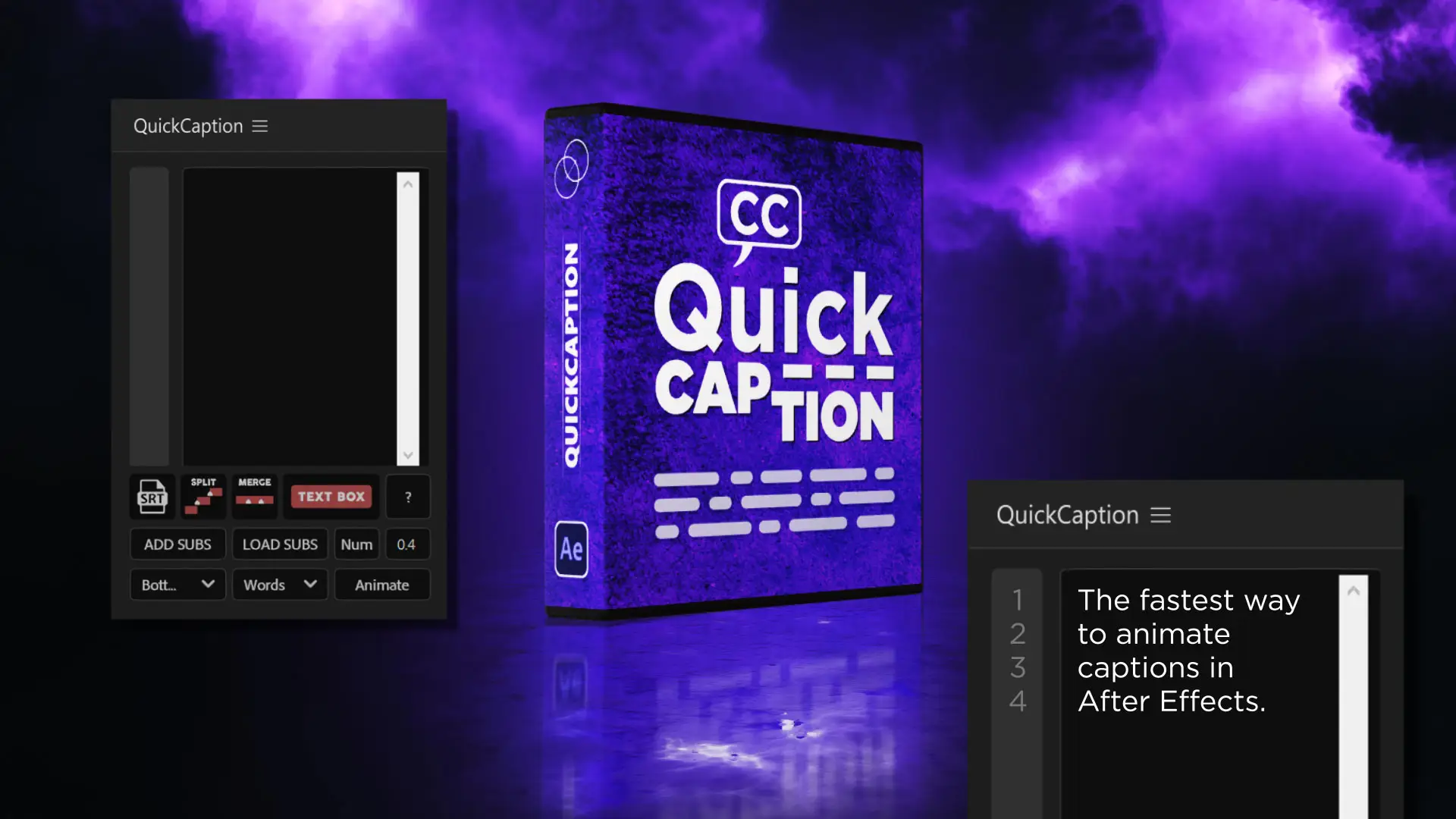
QuickCaption
Import, edit, style, and animate captions inside After Effects. Create caption layers, adjust timing, and keep subtitles consistent without complex setups.
Free

Quick Animator
Animate any layer with one click. Choose direction with nine arrow presets, select properties to animate, control IN and OUT curves, and sequence your layers quickly.
$20

Motion Lines
Included with Motion Access
Create motion trails and animated speed lines in seconds. Ideal for dynamic UI, logo reveals, and playful character motion.

Power Loop
Build seamless loops with one click. Use LoopOut presets and custom controls to create perfect looping animations without expressions.
Free
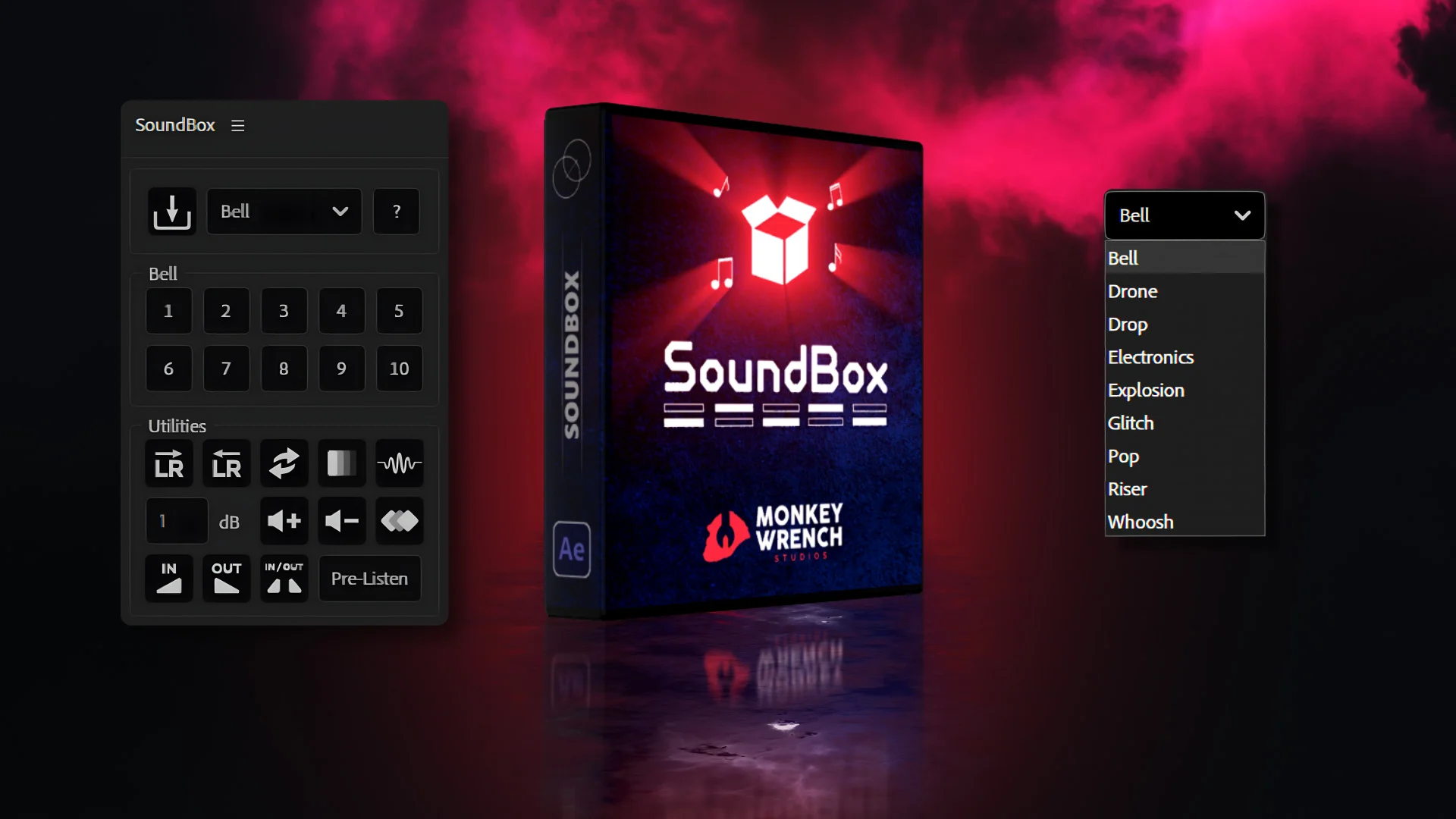
SoundBox
Drop in more than 90 sound effects right on your timeline. Build your own SFX libraries and place whooshes, clicks, and hits exactly where you need them.
$20

Snake Paths
Apply multiple colors or gradients to a single stroke in After Effects. Color shape layer paths with multicolor looks along the same path, inspired by a tutorial by Michael Ponch.
Free

FFX Essentials
Starter pack of After Effects presets with must have looks to give your animations a clean, attractive visual style.
Free

Easy Taper
Included with Motion Access
Quickly taper the width of strokes in one or multiple paths using intuitive sliders. Clean outlines for motion graphics, logos, and 2D animation.

AE Juice | Mega Bundle
The AEJuice Mega Bundle offers more than 10 thousand elements and presets, including transitions, effects, sound design, and packs for faster video creation in After Effects and other editors.
$149
$8.412
A LITTLE CLARITY BEFORE YOU CREATE
Frequently Asked Questions about After Effects Scripts
After Effects scripts are essential tools for streamlining workflows and automating repetitive tasks, allowing designers and animators to optimize their time and improve productivity. In this section, you’ll find answers to the most common questions about installation, use, and benefits, along with recommendations for the best free and paid scripts available on platforms like Eje in Motion, AEScripts, and AEJuice.
Explore the tools →What are After Effects scripts?
After Effects scripts are small JavaScript files that automate repetitive tasks inside AE. They run actions on demand to improve productivity and reduce manual steps.
Where can I download free After Effects scripts?
You can download free scripts here at Eje in Motion. You can also find free versions or trials from marketplaces such as AEScripts and AEJuice, as well as open resources shared by the community on forums and Reddit.
What is the difference between scripts, plugins, and extensions in After Effects?
Scripts are JavaScript files that run automated actions. Plugins are compiled add ons that extend AE functionality and usually require installation. Extensions are panel based interfaces built with web tech that provide interactive tools inside After Effects.
What are the advantages of using scripts in After Effects?
Automation of repetitive tasks, consistent results across projects, and time savings. Scripts are lightweight compared to plugins and install quickly.
How do I install a script in After Effects?
1. Download the .jsx or .jsxbin file.
2. Place it in the ScriptUI Panels folder. (Adobe After Effects > Support Files > Scripts > ScriptUI Panels).
3. If After Effects was open, restart it. After it starts, open the Window menu. The script will appear at the bottom of the menu, ready to use.
Can I use multiple scripts in the same project?
Yes. Many motion designers combine several scripts to optimize workflow.
Do scripts slow down After Effects?
No, scripts do not use resources constantly. They run when you trigger them. Unlike some plugins that can run continuously, scripts are usually lightweight and do not impact performance once the action is complete.
Are After Effects scripts compatible with Windows and macOS?
Yes. All scripts are built with JavaScript Extended and work on both platforms without issues.
Can I use these scripts in commercial projects?
Yes. You can use these scripts in both personal and commercial work.
Where can I find the best After Effects scripts?
After Effects scripts can be downloaded from several specialized platforms, including:
Eje in Motion: scripts made for After Effects.
AEScripts: a large selection of professional scripts and plugins.
AEJuice: scripts and tools with all-in-one packs.
MotionArray: a marketplace with scripts, presets, and templates.
Gumroad: a direct sales platform for scripts from different developers.