AFTER EFFECTS
Version 19 and later
Compatible with After Effects 19 and every later version, including the current release.

MOTION ACCESS
Get exclusive access to a growing collection of After Effects tools and resources for motion designers. Start with MotionTimer, Motion Lines, and Easy Taper, with ongoing updates and new member-only releases included in your subscription.
From €3.99/month + taxes · Cancel anytime
YOUR MOTION ACCESS TOOLKIT
INCLUDED TODAY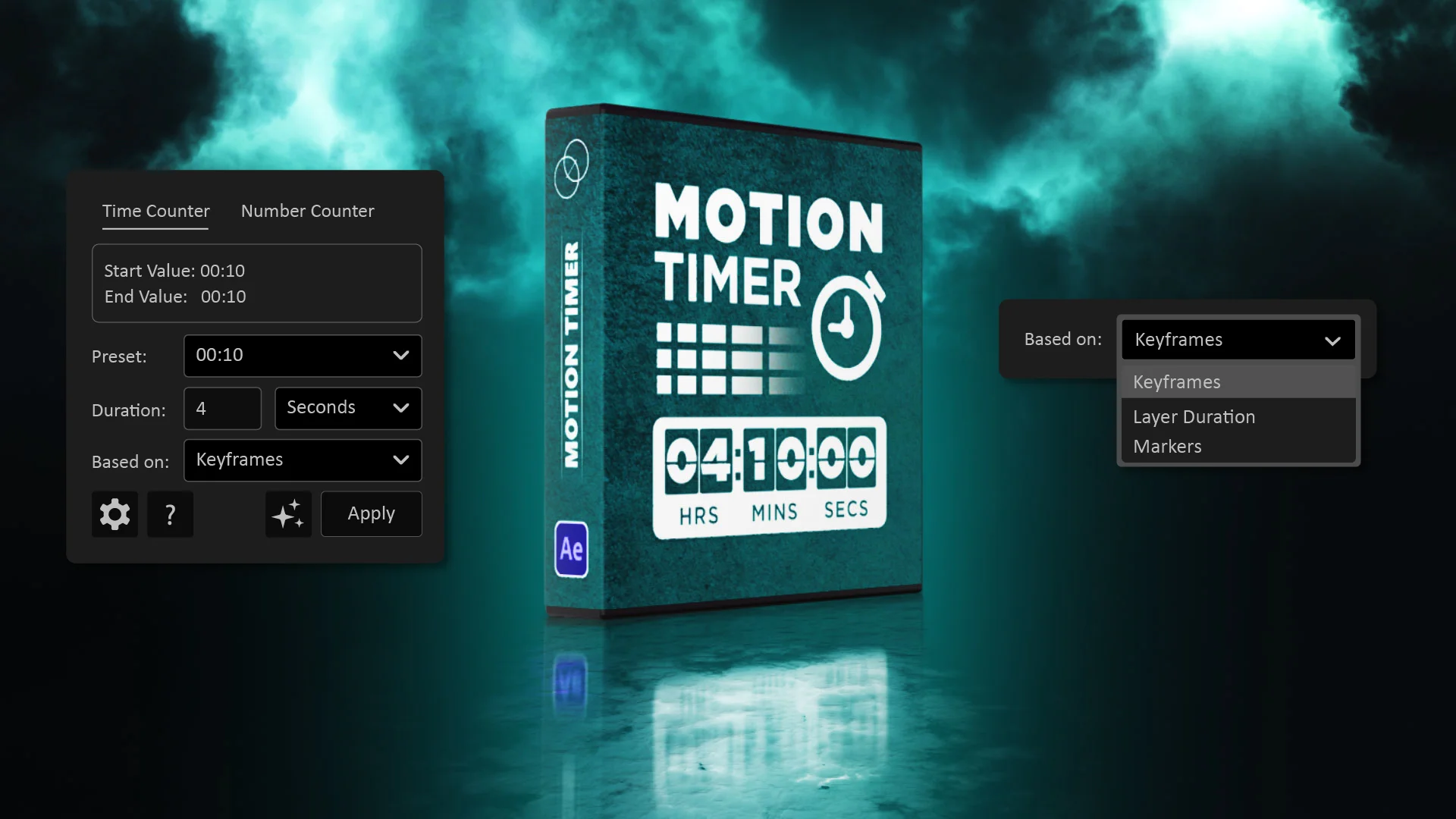
MotionTimer

Motion Lines

Easy Taper
Early members lock in their launch price for as long as their subscription remains active.
MORE ROOM FOR YOUR IDEAS
Less time on repetitive tasks. More freedom to explore what your animation could become.
01 / MOTIONTIMER
Create timers, countdowns, and animated counters directly in After Effects. Customize the details and keep your attention on the animation.
Timers · Countdowns · Animated counters
Your timing. Your style.
02 / MOTION LINES
Bring lines to life with controls for timing, easing, and taper. Explore the movement without building every detail from scratch.
Animated lines · Easing · Taper
Find your flow.
03 / EASY TAPER
Shape your strokes with flexible taper controls. Try different looks across your shape layers and give your lines a more distinctive finish.
Shape layers · Stroke width · Taper
Give your lines character.
ONE LICENSE. YOUR MOTION ACCESS TOOLS.
Install your tools, activate your license, and get back to animating.
Download the included scripts and install them in After Effects.
Open a Motion Access script, enter your license key in the activation window, and activate your license.
The included Motion Access scripts share the same license on this computer. Open your other tools and start creating.
Open About → Manage License in a Motion Access script and deactivate your license on the current computer. Then activate the same key on your new computer.
Follow the steps alongside to get started.
BEFORE YOU START
AFTER EFFECTS
Compatible with After Effects 19 and every later version, including the current release.
WHAT YOU NEED
Install the included scripts in After Effects and use an active Motion Access license to unlock your tools. After Effects is required and is not included in your subscription.
YOUR DEVICES
Personal includes 1 active device; Studio includes up to 3. Use About → Manage License to deactivate a computer before moving your key to another.
MOTION ACCESS / MEMBERSHIP
Start creating with MotionTimer, Motion Lines, and Easy Taper.
Choose the number of devices that fits the way you work.
For creators working on one computer.
device activation
One computer. All included tools.
Billed monthly. Cancel anytime.
Choose PersonalA simple way to start with Motion Access.
Prefer yearly?
Save €7.89/year€39.99/year, billed annually
Choose Personal yearly →Compared with 12 monthly payments.
For creators who move between computers.
device activations
Your desktop. Your laptop. Your workflow.
Billed monthly. Cancel anytime.
Choose Studio3 activations for €2 more per month than Personal.
Prefer yearly?
Save €11.89/year€59.99/year, billed annually
Choose Studio yearly →Compared with 12 monthly payments.
INCLUDED IN BOTH PLANS
MotionTimer, Motion Lines, and Easy Taper are included in either plan.
New member-only tools and resources will be added as Motion Access grows.
Use About → Manage License to deactivate a computer before activating your key on another.
Start creating. Stay in control.
Cancel anytime. Your tools remain active until the end of your paid billing period.
Early members keep their launch price while their subscription remains active.
Prices exclude applicable taxes. Your final total is calculated at checkout based on your location.
THE NEXT CHAPTER OF MOTION ACCESS
More tools.
More creative possibilities.
Motion Access keeps growing with new tools and resources for the way you create.
These releases are planned and are not included yet.
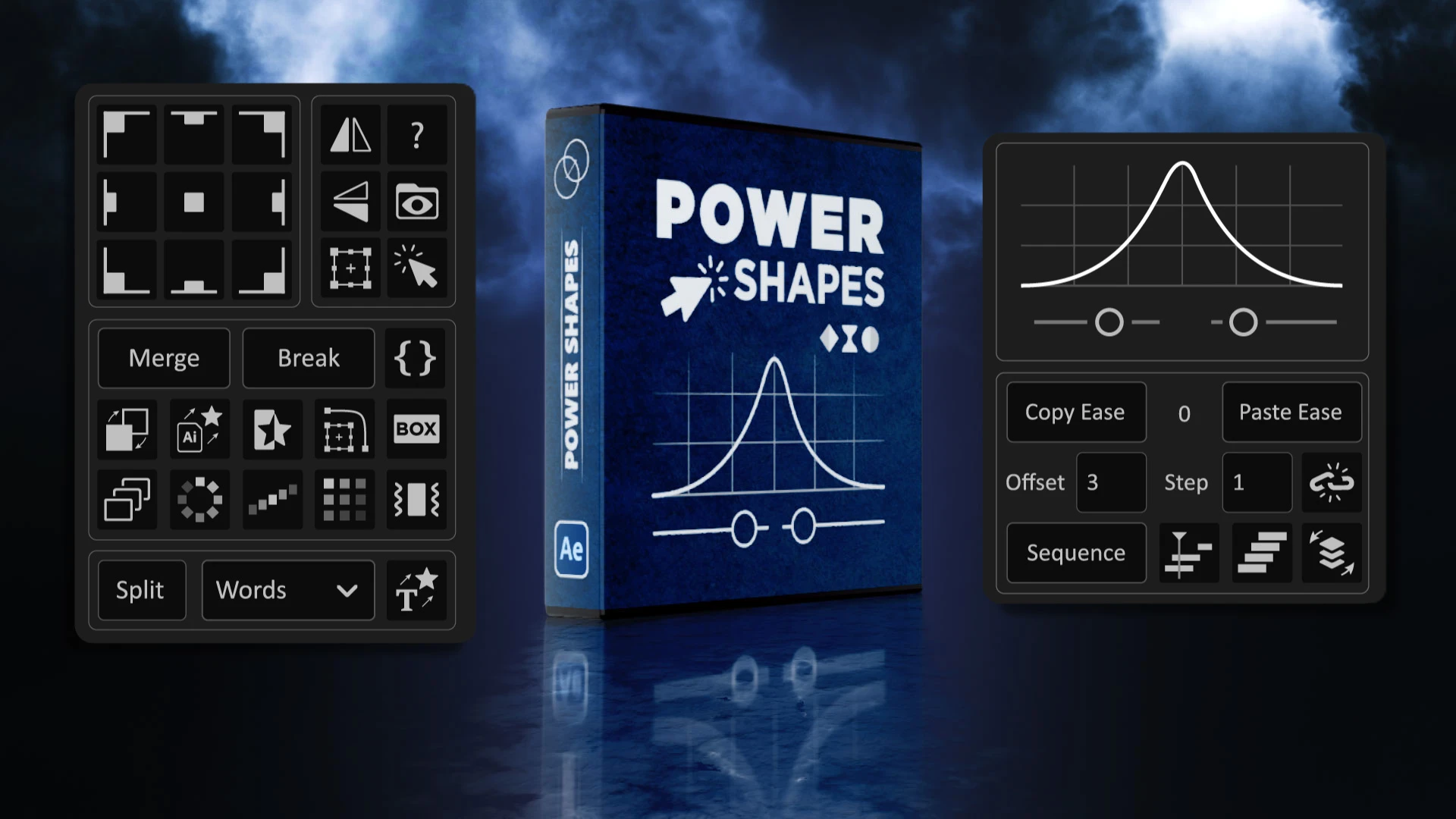
01 / AFTER EFFECTS SCRIPT
More room to shape your ideas.
An expanded Power Shapes experience with additional tools and workflow improvements for shape layers.
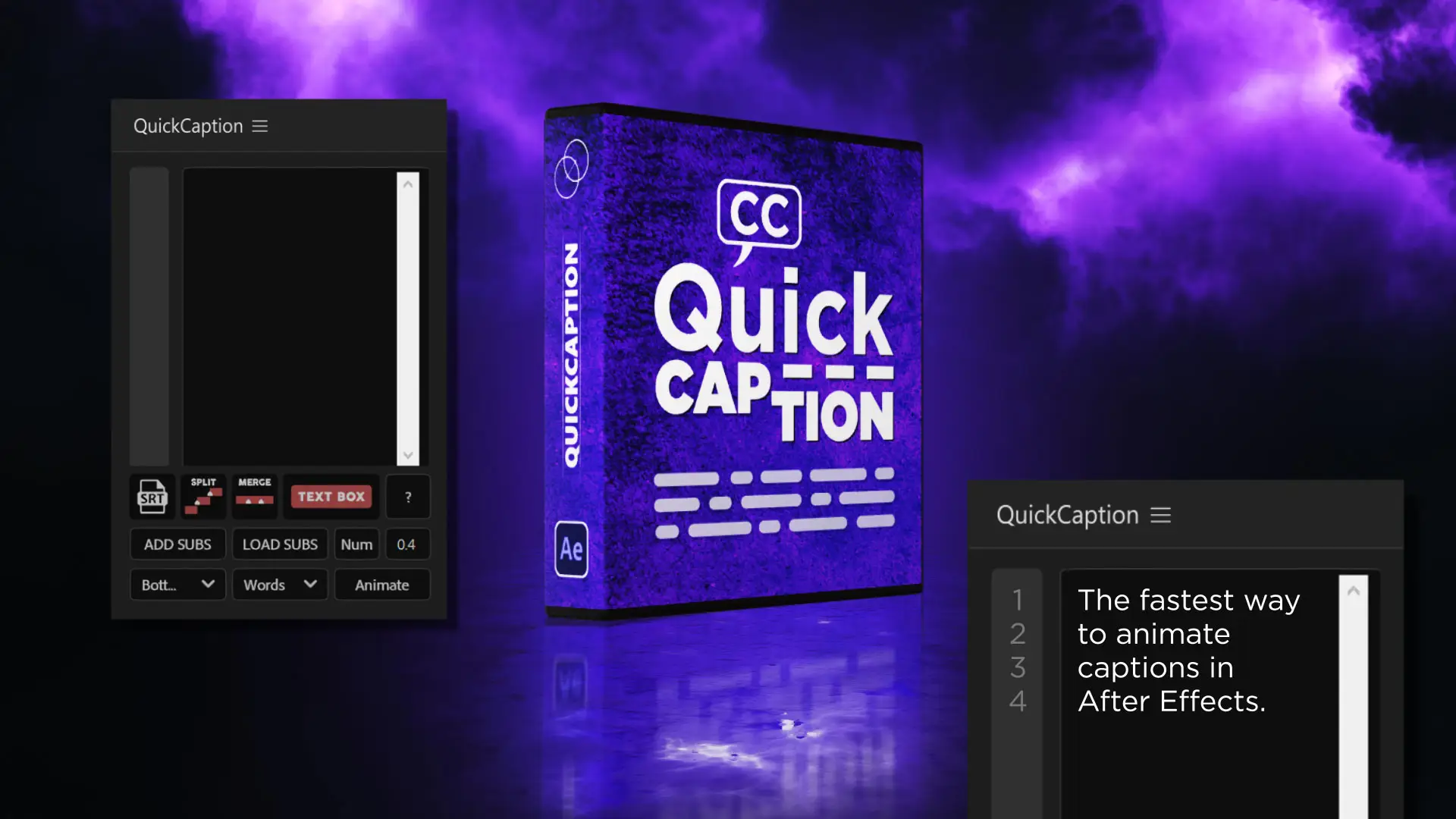
02 / AFTER EFFECTS SCRIPT
Keep your captions moving.
A future pro version of QuickCaption focused on faster subtitle and caption workflows.
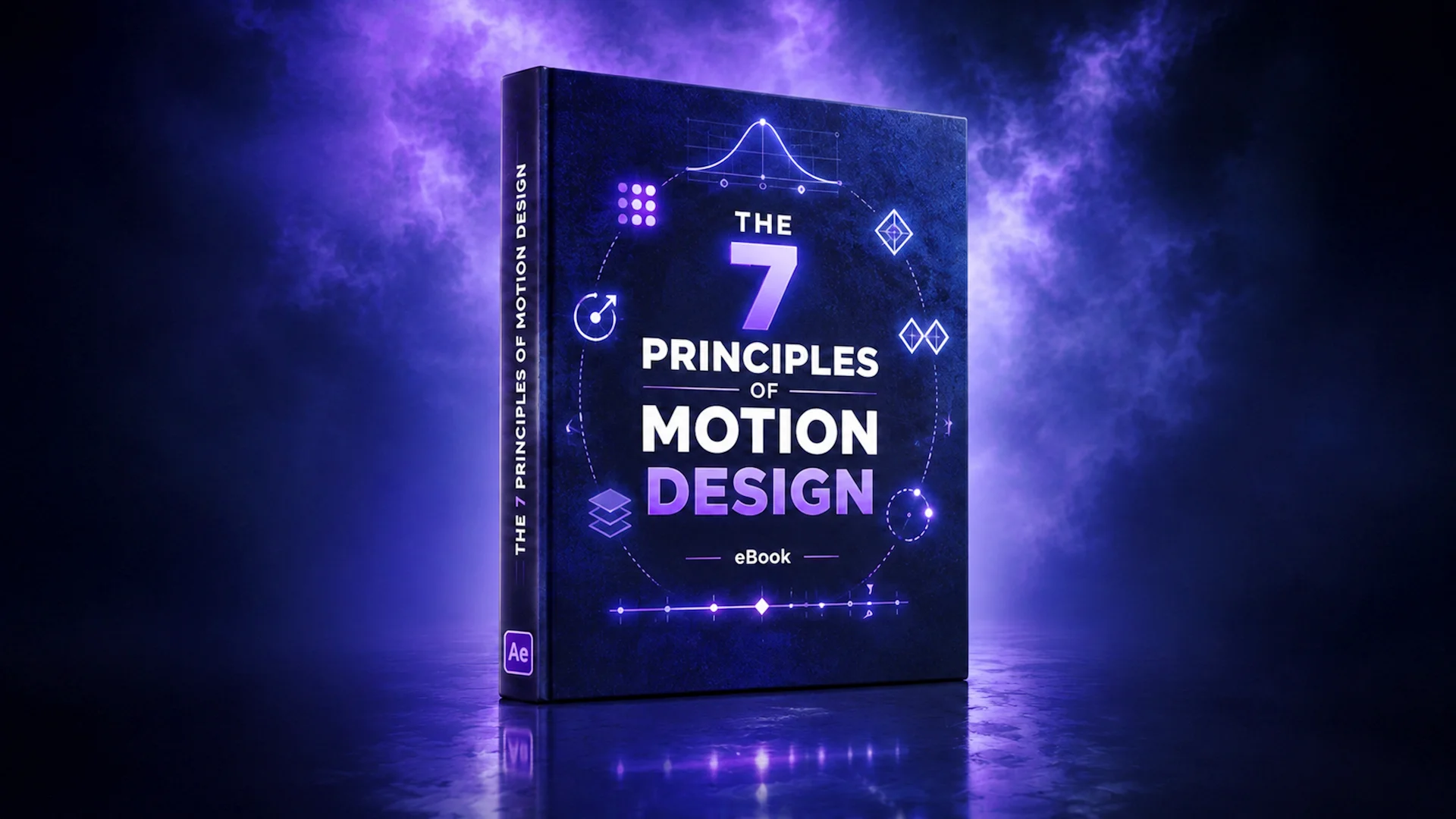
03 / CREATIVE GUIDE
Build stronger creative instincts.
An upcoming eBook with practical principles to help you create better motion design work.
Text Stylizer
Artwork coming soon04 / TEXT STYLING TOOL
Turn words into materials.
A planned tool for creating text looks inspired by metal, stone, glass, gold, and more.
Snake Paths Pro
Artwork coming soon05 / STROKE STYLING TOOL
Give every stroke its own character.
A planned evolution of Snake Paths, bringing brush, graffiti, spray, pencil, and pen-inspired styles to your strokes.
Built for what comes next.
Future plans include more After Effects tools, text animators, scripts for creating styles, extensions, plugins, and other resources designed to help you work faster and explore more ideas. Planned releases may evolve as development continues.
A LITTLE CLARITY BEFORE YOU CREATE
Quick answers about Motion Access, license activations, included tools, billing, and future member-only resources.
Choose your plan →Motion Access is a membership by Eje in Motion that gives you access to exclusive After Effects tools, scripts, guides, tutorials, eBooks, and creative resources for motion designers.
Motion Access currently includes MotionTimer, Motion Lines, and Easy Taper. More member-only tools and resources will be added over time.
Personal includes 1 device activation under one license. Studio includes up to 3 device activations under one license, making it better for multiple devices or small studio setups.
Yes. In a Motion Access script, open the About window, choose Manage License, and deactivate your license on the current computer. Then open a Motion Access script on your new computer and activate it with the same license key. Personal allows 1 active device at a time; Studio allows up to 3 active devices under one license.
You will keep access until the end of your paid billing period. After your subscription ends, Motion Access tools will require an active license to continue working.
Yes. Motion Access will continue to grow with new exclusive scripts, guides, tutorials, eBooks, and creative tools for motion designers.
After subscribing, your license key and order details will be available through your Lemon Squeezy order page. You will also receive your order information by email.
If you still have access to your previous computer, open About > Manage License in a Motion Access script and deactivate the license there to free up an activation. Then activate the same key on your new computer. If you cannot access the previous computer, or reinstalling your system has left an activation in use, contact support and we will help you reset it when appropriate.
WHY JOIN MOTION ACCESS?
Three practical After Effects tools. A growing collection of member-only releases. More time to focus on the work you want to make.
From €3.99/month + taxes · Cancel anytime
Your tools stay active until the end of your paid billing period.
Timers, countdowns, and animated counters.
Animated lines with timing, easing, and taper controls.
Flexible tapered strokes for your shape layers.
Choose Personal or Studio, then move between computers with About → Manage License.
Less time setting up. More space to create.