
Included with Motion Access
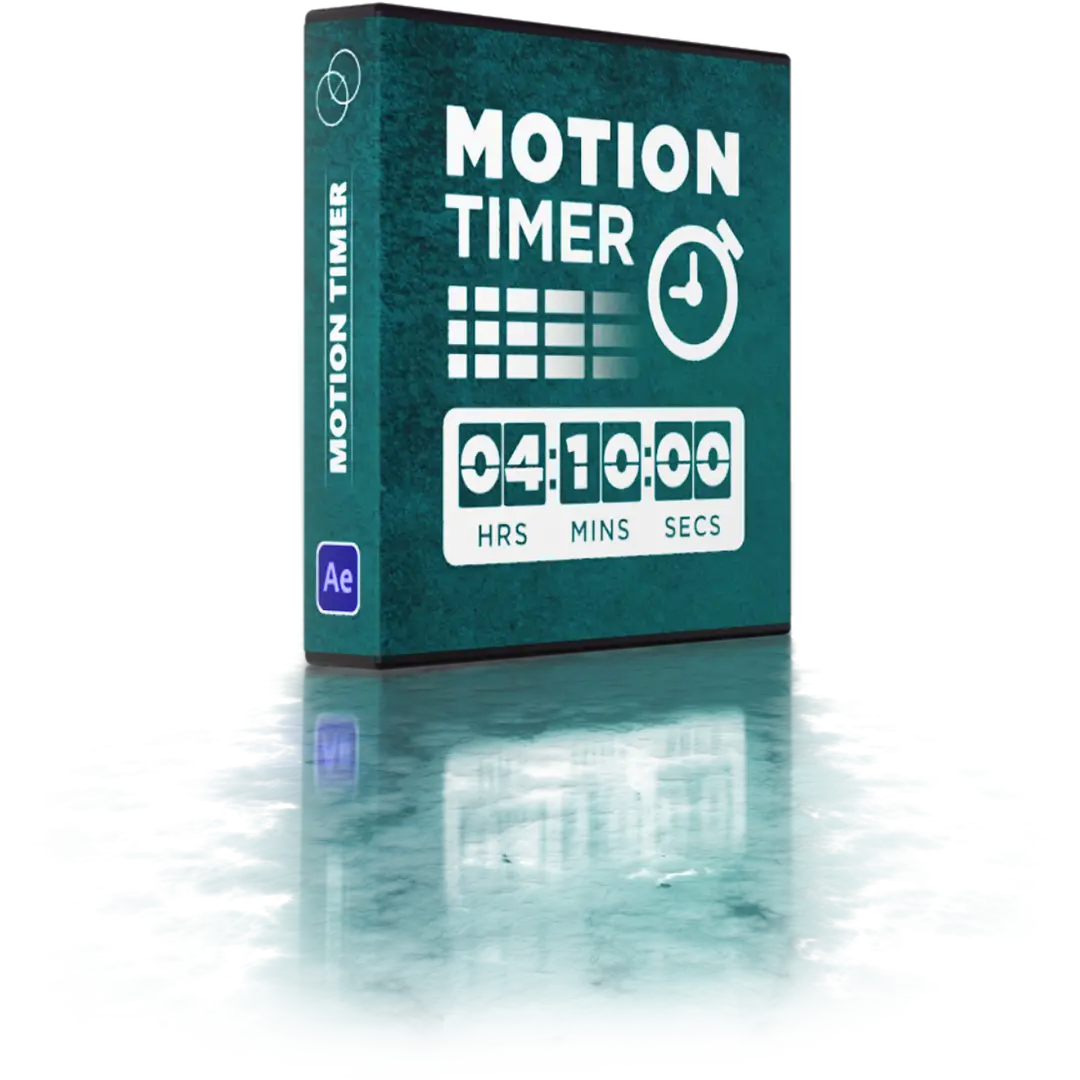
MotionTimer is an After Effects tool for creating time counters, countdowns, and animated number counters directly on text layers. Set the start and end values, choose the display format, and control the animation with keyframes, layer duration, or markers.
Use the Time Counter for countdowns, count-up timers, and elapsed-time displays, or switch to Number Counter for animated values. Define the start and end values, select a preset, and adjust the units and decimals to match your project.
SmartTimer turns an existing two-line text layer into a working timer. Enter the starting time on the first line and the ending time on the second, select the layer, and click SmartTimer. MotionTimer reads both values and uses them to configure the counter automatically.
Learn how to create timers, countdowns, and animated number counters with MotionTimer. This tutorial covers the two counter modes, display presets, animation controls, and SmartTimer.
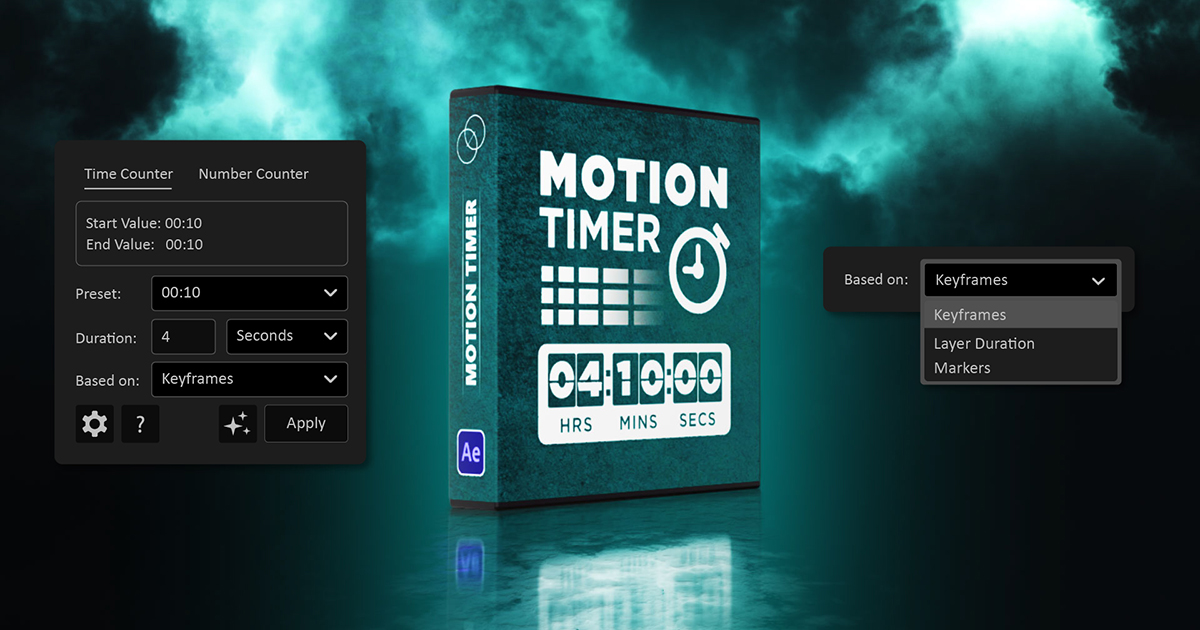

MotionTimer gives you a practical way to create and update time and number counters in After Effects without writing expressions manually.

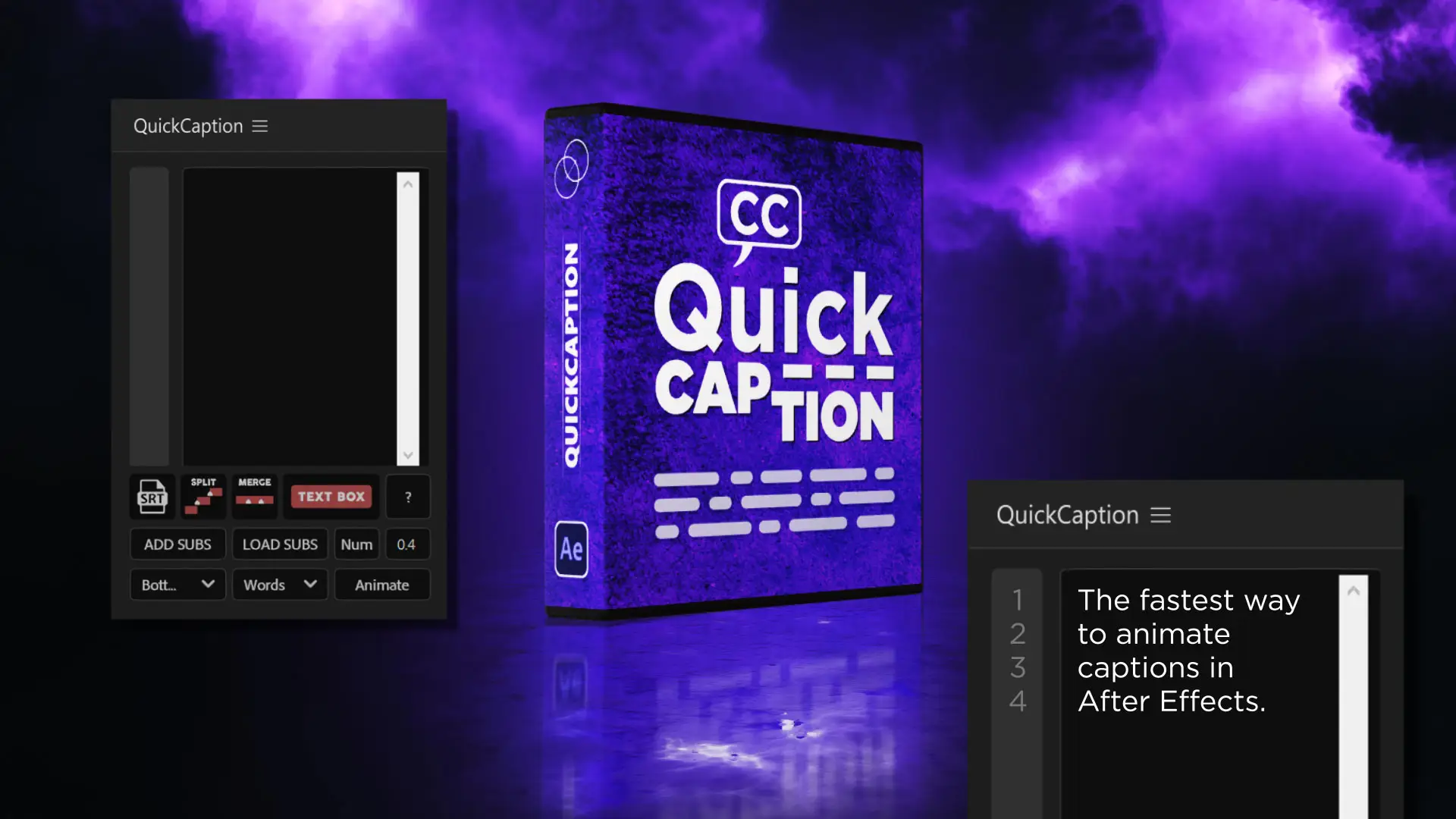
QuickCaption is a free script to import, edit, style, and animate captions inside After Effects. Create caption layers, manage timing, and keep your titles consistent without heavy plugins or complex setups.

Apply multiple colors or gradients to a single stroke in After Effects. Color shape layer paths with multicolor looks along the same path, inspired by a tutorial by Michael Ponch.

Animate any layer with one click. Choose direction with nine arrow presets, pick the properties to animate, adjust IN and OUT curves, and sequence like a pro directly in After Effects.